
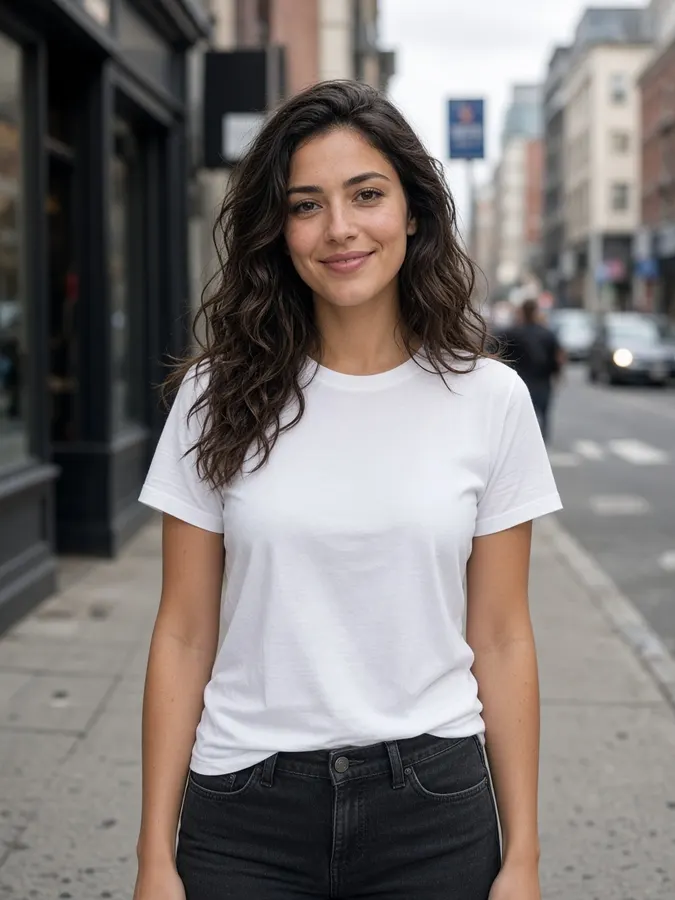
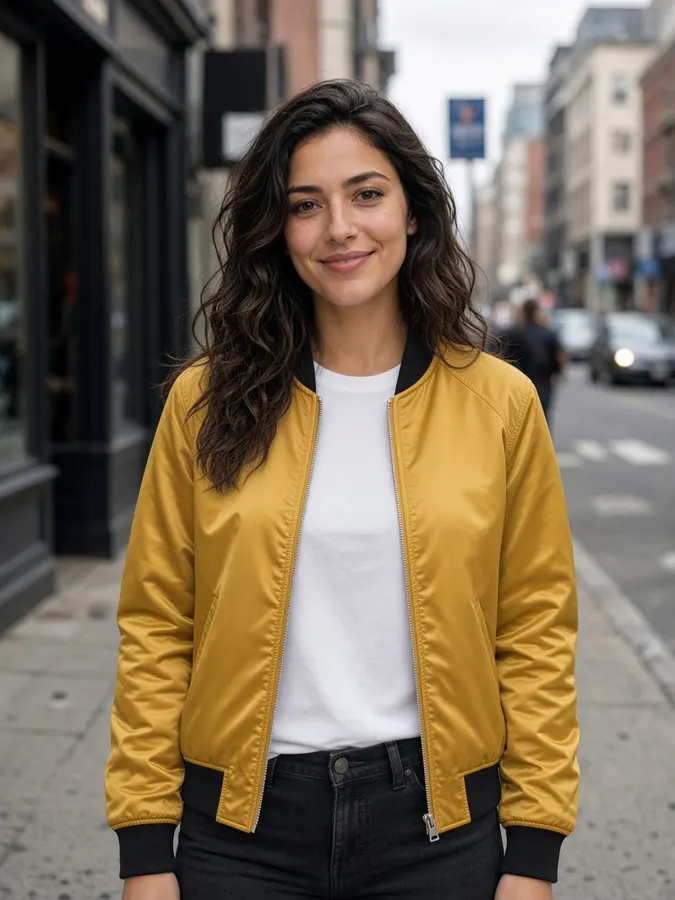
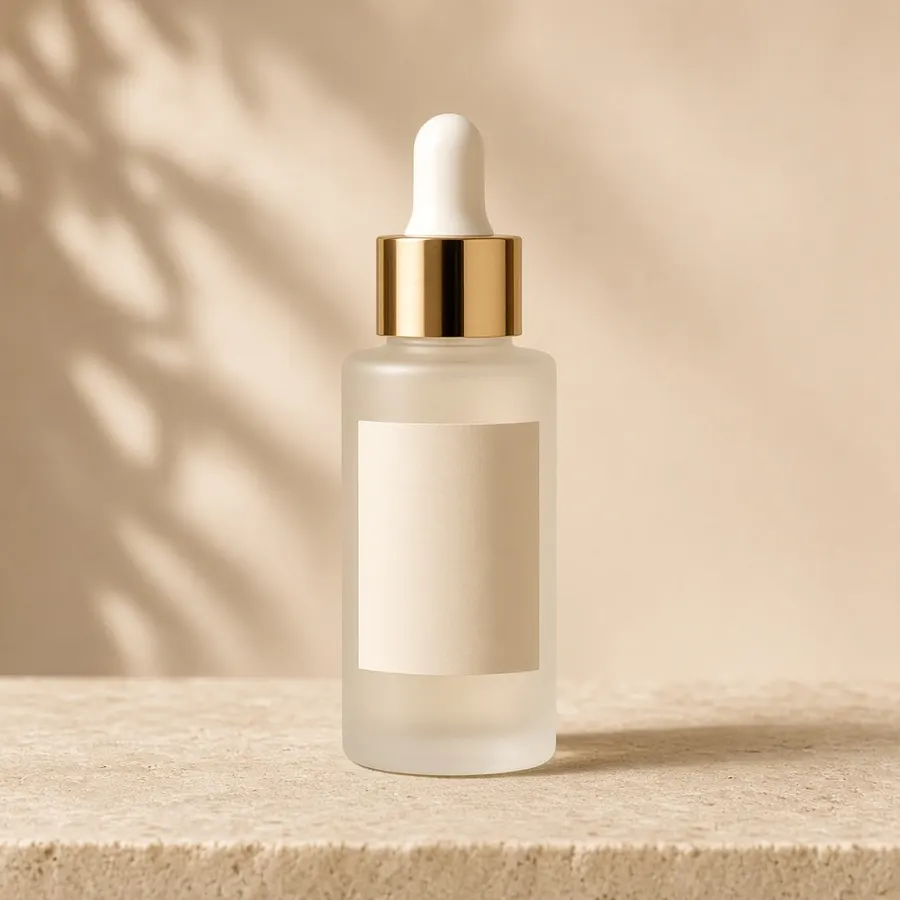

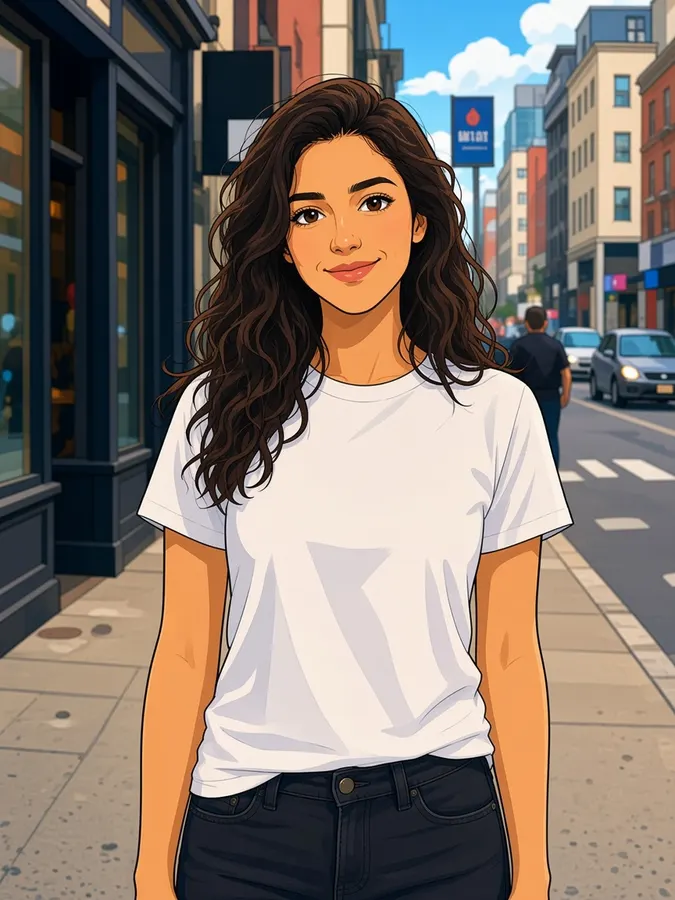

The FluudAi creative studio
Where ideas becomecinematic stories
Images, videos, designs, voices and whole productions from one studio. Cast your own characters and products once, then direct every scene by describing it.
- AI models
- 13
- AI models
- Creative tools
- 21
- Creative tools
- Templates
- 12
- Templates
Top image and video models, all in one studio
Use cases
Make any story you can imagine
From scroll-stopping ads to multi-episode series. Pick a format and FluudAi sets up the right tools for it.
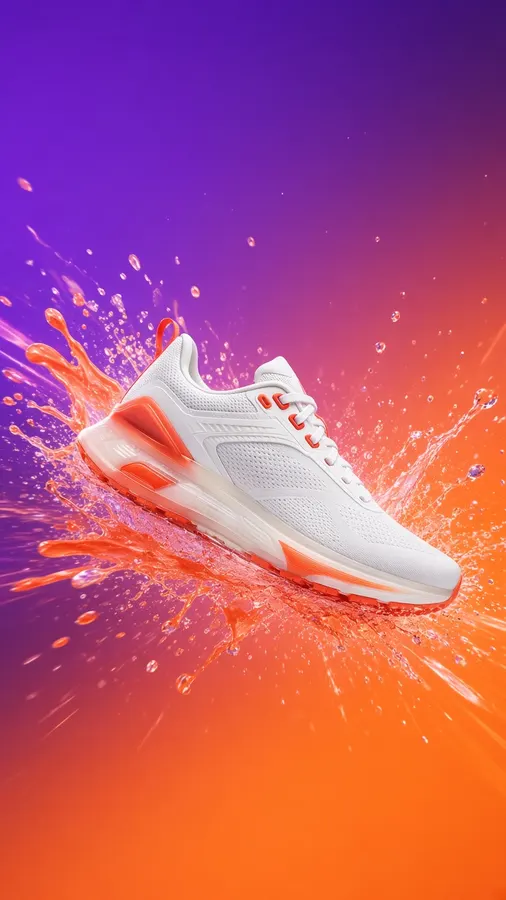
Product Ads
Product ads that sell themselves
Paste a product link or upload photos. AI writes the concept and renders a ready-to-post ad for Reels, TikTok or Shorts.
Direct thisOne platform
One studio.
Infinite stories.
Image, video, design, voice and cast. Every asset is generated, edited and reused without leaving FluudAi.
Productions
Plan a whole show with settings that flow down
Set genre, look, aspect ratio, brand and main cast once. Series and episodes inherit everything, so you only override what changes.
01Create a production
Set genre, look, aspect ratio, brand and main cast for the whole show.
02Add series & episodes
They inherit everything above. Override only what changes, like a location or mood.
03Generate episodes
Each episode combines the inherited settings with its own script and @cast.
Production
Coastline
Series
Season 1
Episode
Ep. 3 · The Lighthouse
Models
Top AI models. One platform.
Switch between leading image and video models for each shot, all on the same credits.
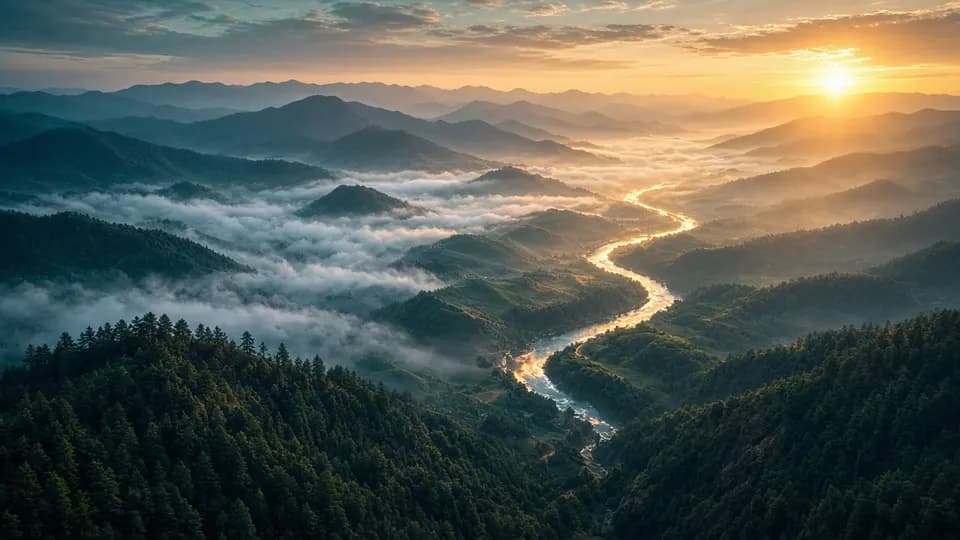 Video
VideoGoogle Veo 3.1
Latest Veo · rich audio, enhanced image-to-video
Explore model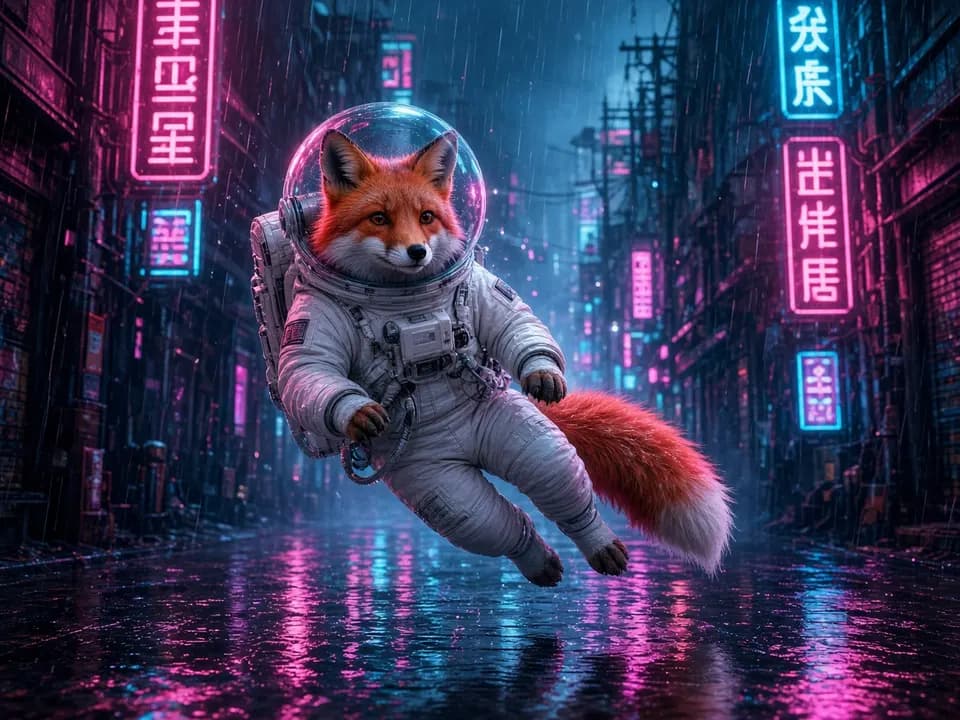 Video
VideoGoogle Veo 3.1 Fast
Faster Veo 3.1 · balanced quality & speed
Explore modelVideoRunway
Runway Gen 4.5
Runway latest (gen4.5) · realistic motion, 10s videos
Explore model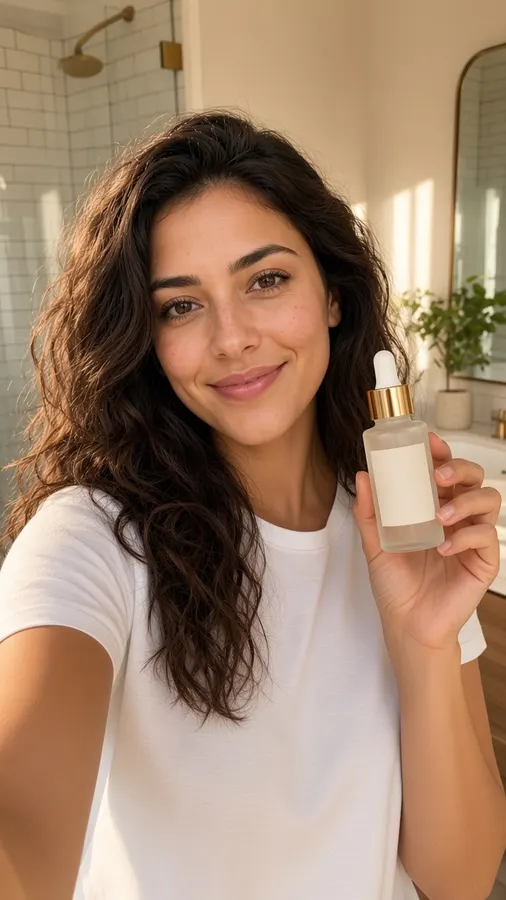 Video
VideoKling
Kling 2.6
Latest Kling · motion control, high quality
Explore model Video
VideoKling
Kling 2.5
Balanced Kling · reliable video synthesis
Explore model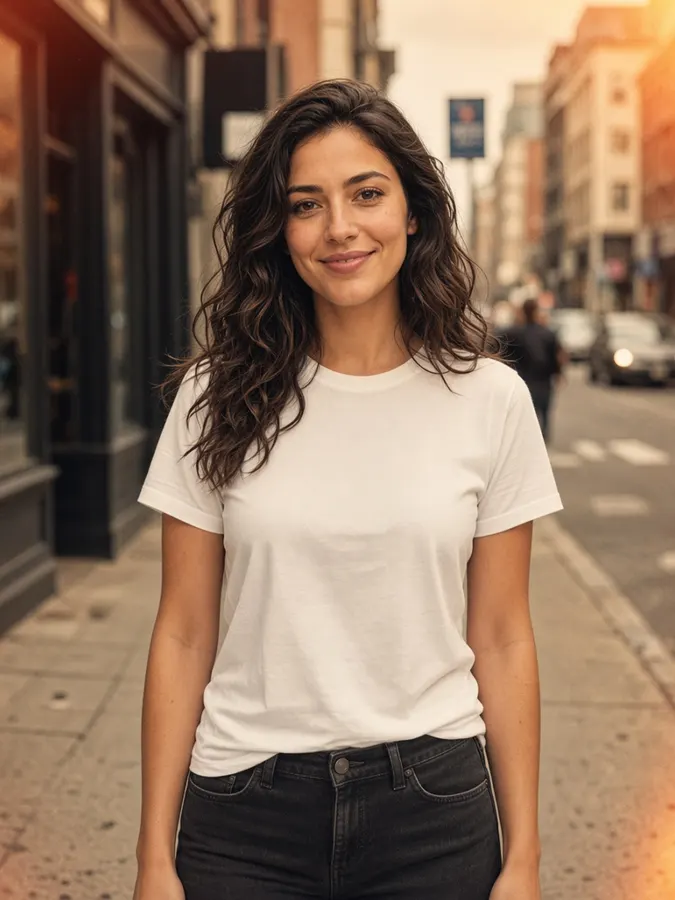 Video
VideoByteDance
SeedDance Pro
ByteDance · motion from images (requires image)
Explore model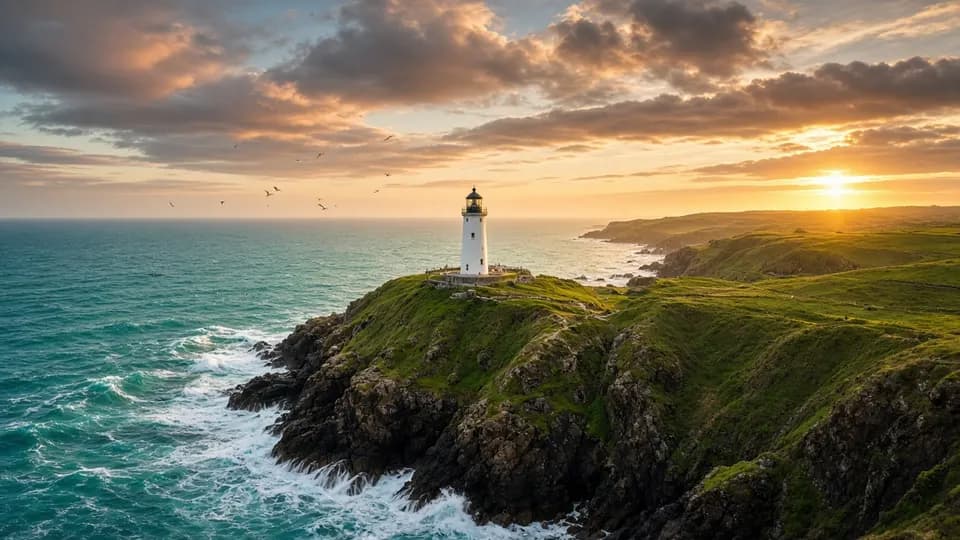 Video
VideoVidu
Vidu Reference
Multi-reference video · influencer + product ads
Explore model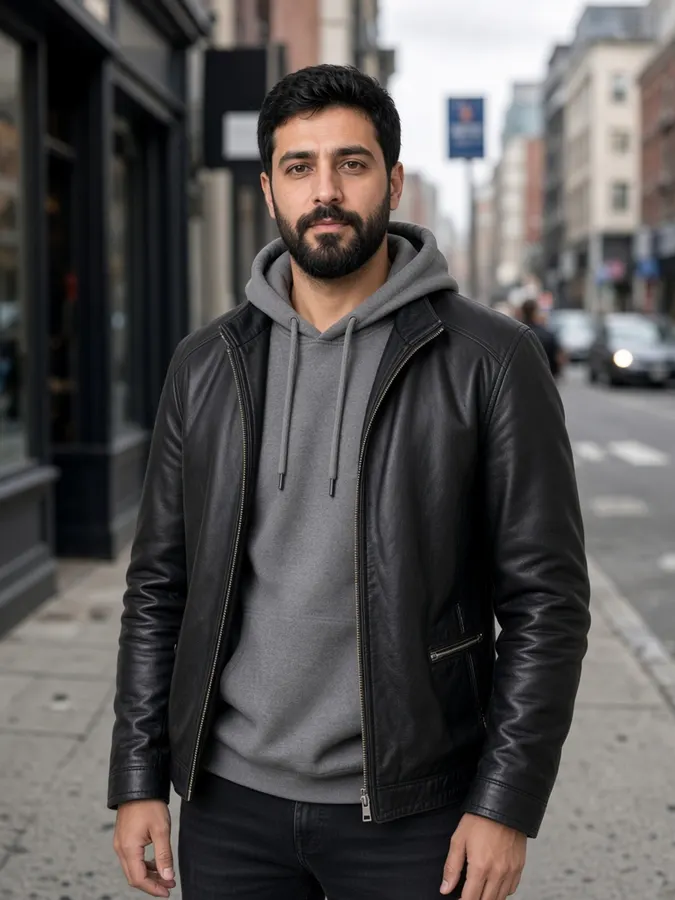 Video
VideoD-ID
D-ID Talking Avatar
Lip-synced avatar from a script
Explore modelTools
AI tools for studio-grade results
Purpose-built controls for characters, products, camera and motion. Not just text to pixels.
 Video
VideoAI Text to Video Generator
Describe a scene, get a cinematic clip
Explore tool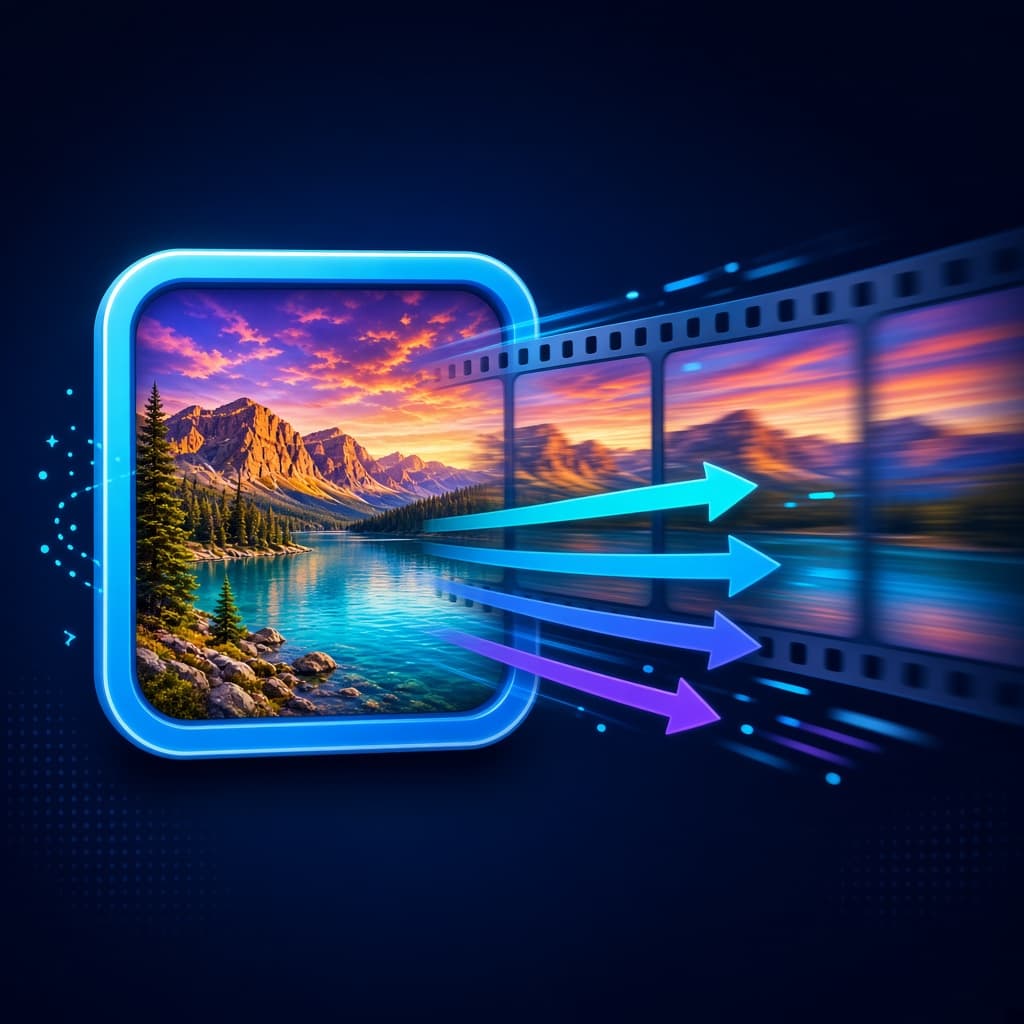 Video
VideoImage to Video AI
Bring a still image to life
Explore tool Video
VideoAI UGC Ad Generator
Creator-style ads with your product
Explore tool Image
ImageAI Image Generator
Turn a sentence into a finished image
Explore toolImageAI Virtual Try-On
Dress a model in any outfit
Explore tool Video
VideoAI Talking Avatar Generator
Make any face speak your script
Explore tool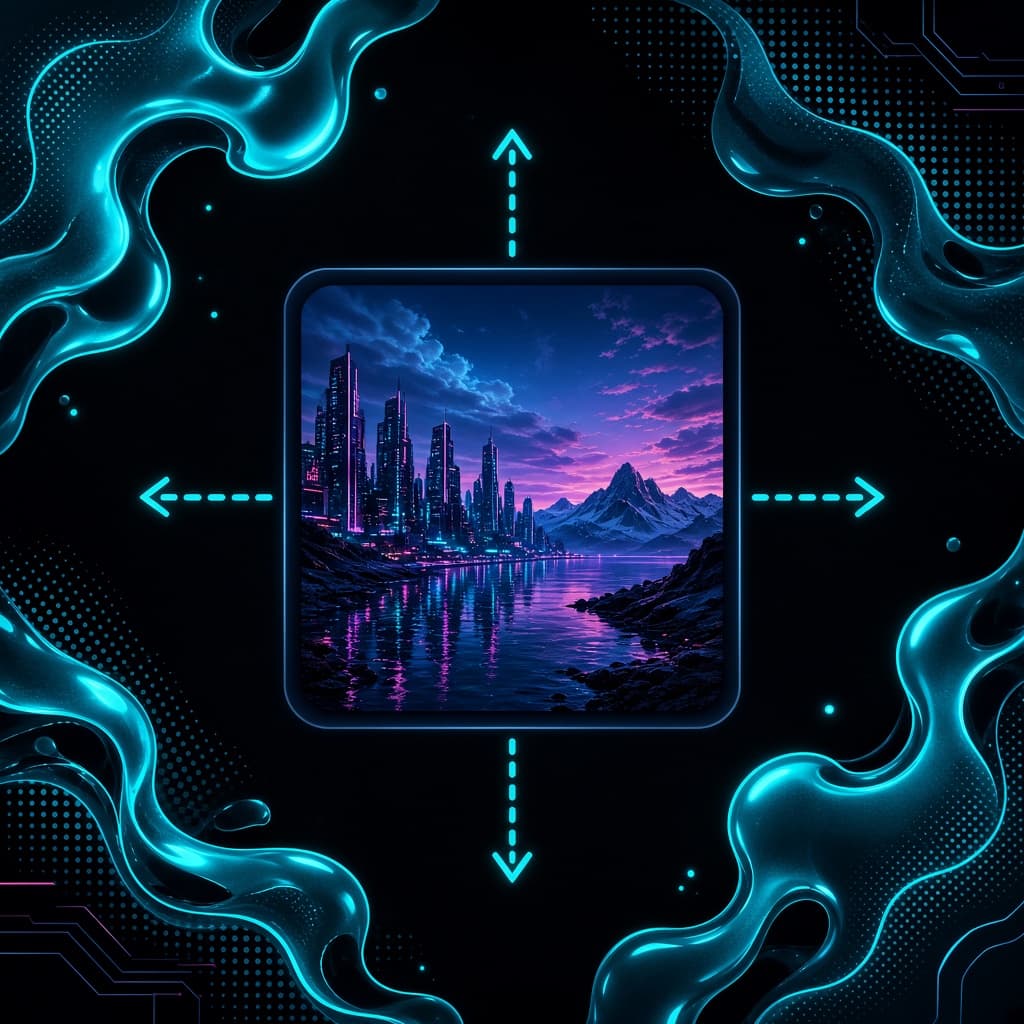 Image
ImageAI Image Extender
Extend images to fit any format
Explore tool Video
VideoAI Character Replacement
Recast the whole character in a clip
Explore tool Video
VideoAI Video Remix
Reimagine a shot with a new prompt
Explore toolTemplates
Start from a proven prompt
Pick a template and it opens in the right studio with the prompt filled in.
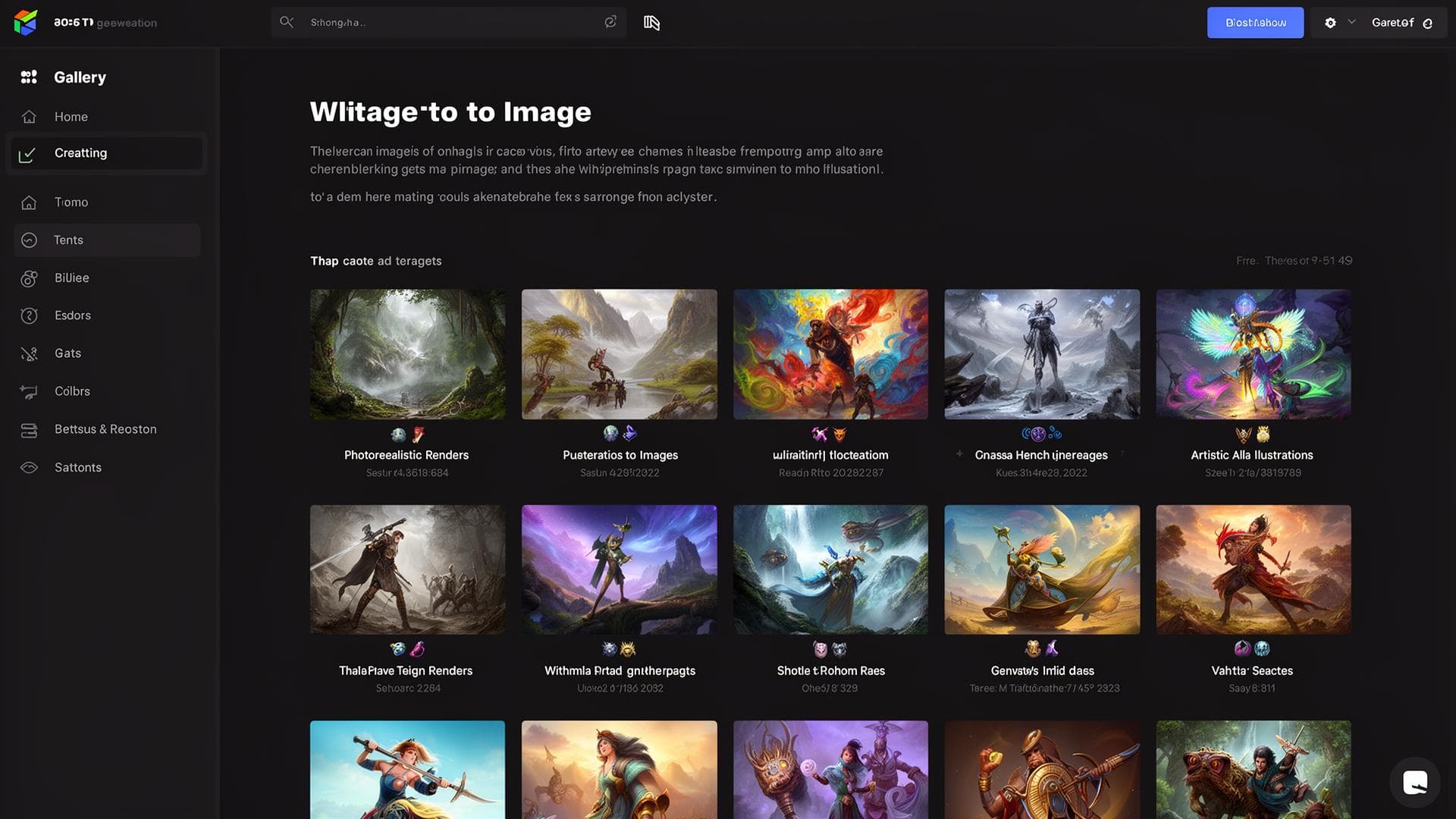 AI Image
Golden Hour Portrait
A cinematic portrait in golden hour light, shallow depth of field, soft rim light, photorealistic, 85mm lens
Use this templateAI ImageProduct Still
Premium product shot on marble surface, soft studio shadows, minimal background, commercial photography
Use this templateAI ImageSurreal Cityscape
Surreal city floating above the ocean at dusk, volumetric clouds, cinematic lighting, ultra detailed
Use this template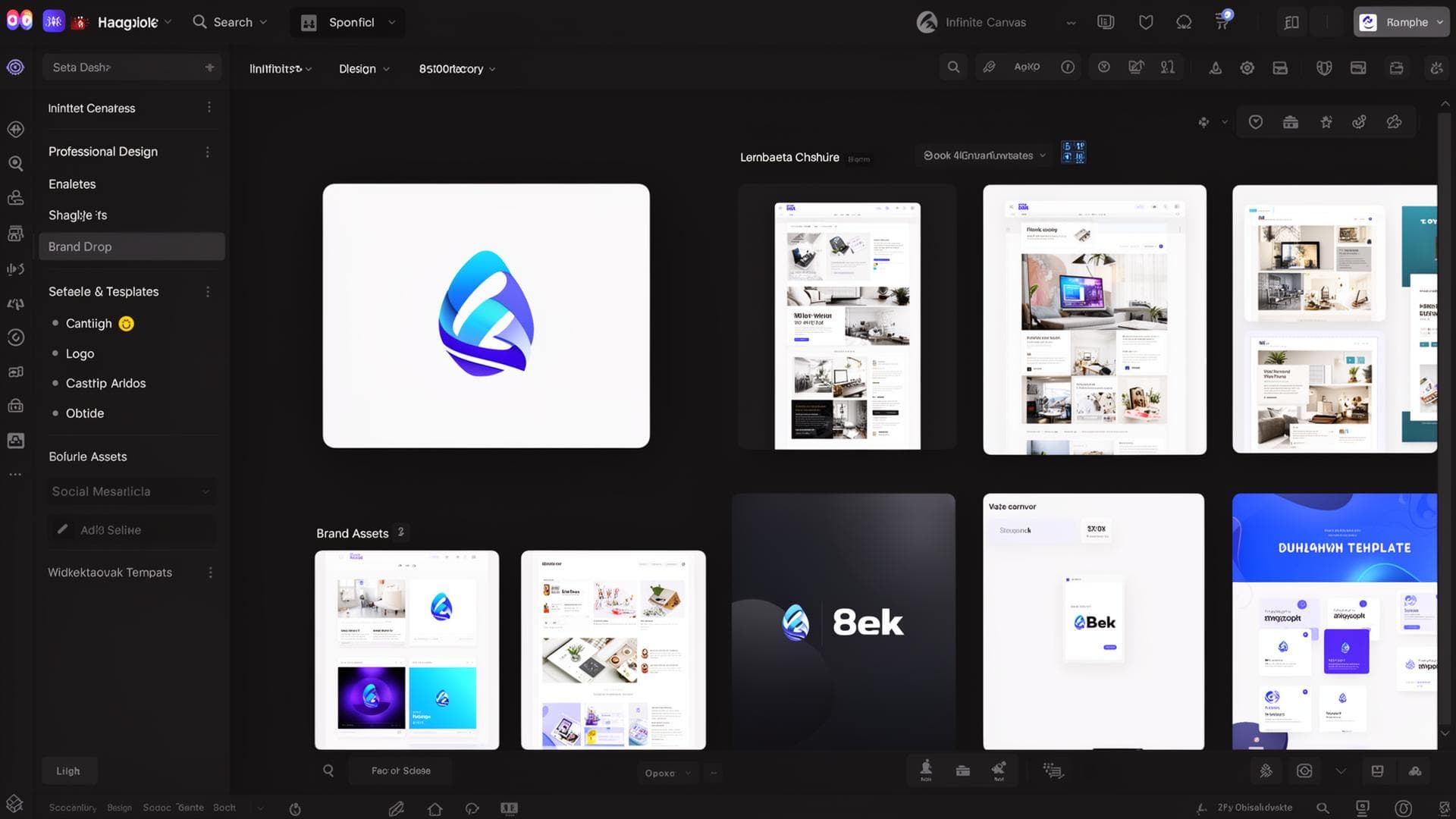 AI Designer
Outdoor Brand Logo
Logo for an outdoor coffee brand, bold & warm, minimal wordmark, clean negative space, vector-like
Use this templateAI DesignerSummer Drop Story
Instagram story set for a summer apparel drop, vibrant typography, modern layout, high contrast
Use this templateAI DesignerJazz Night Poster
Poster for a late-night jazz night, bold typography, moody lighting, print-ready composition
Use this template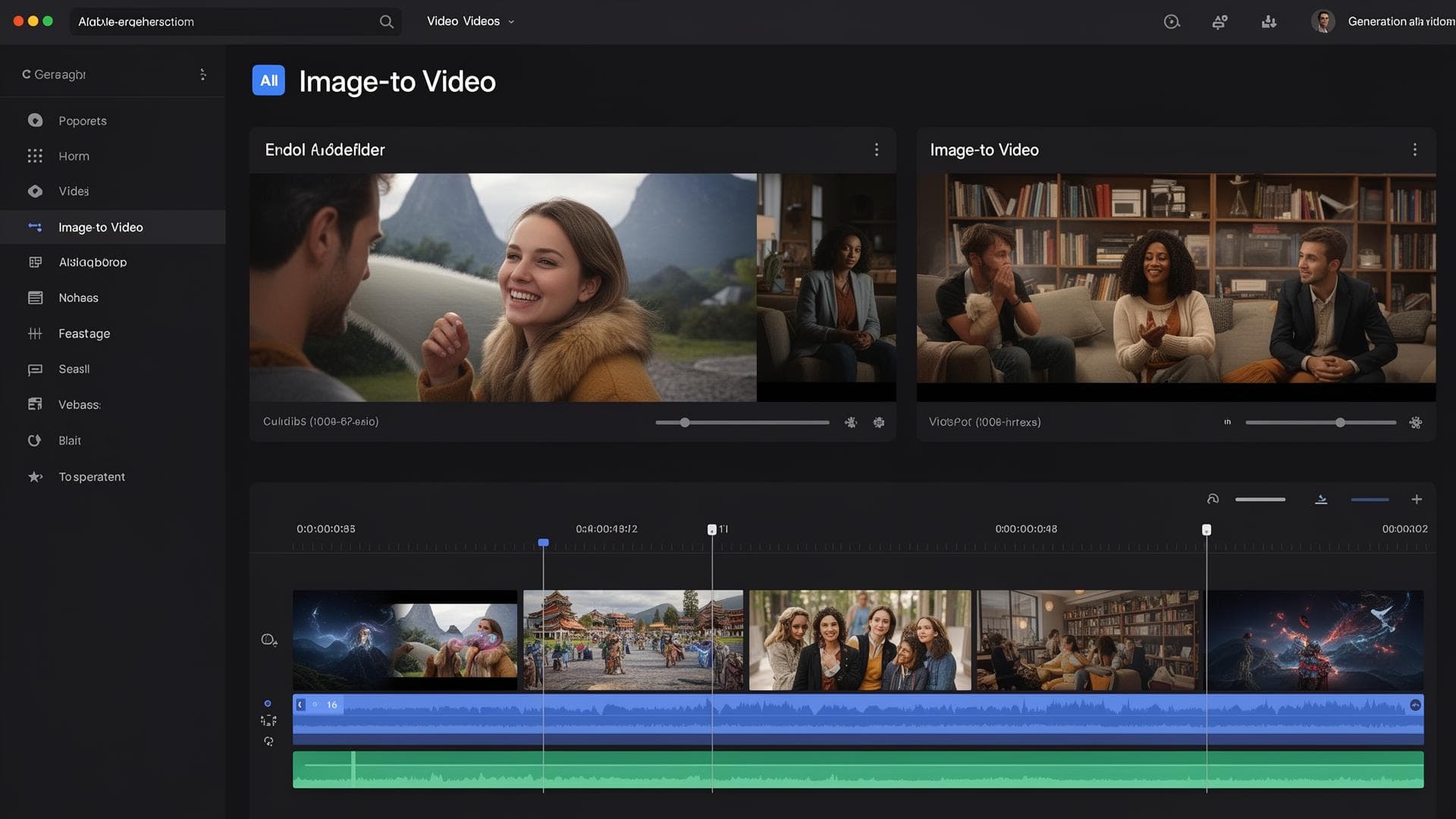 AI Video
Neon Storefront
Slow dolly toward a neon storefront in the rain, reflections on wet pavement, cinematic atmosphere
Use this templateAI VideoProduct Spin
Product spin with soft rim light, 5 seconds, studio backdrop, commercial look
Use this templateAI VideoMountain Aerial
Aerial glide over misty mountains at sunrise, smooth camera, epic landscape
Use this templateAI Try OnStreet Style Fit
Street-style outdoor look, natural daylight, candid fashion photography
Use this templateAI Try OnStudio Catalog
Clean studio catalog try-on, softbox lighting, neutral backdrop, fashion ecommerce
Use this templateAI Try OnEditorial Look
High-fashion editorial try-on, dramatic lighting, magazine cover composition
Use this templateFAQ
Frequently asked questions
Everything you need to know about creating with FluudAi.
What is FluudAi Creative?
FluudAi Creative is an all-in-one AI studio for images, videos, designs and voiceovers. Make product ads, social content, short films or full series with reusable characters and products, without editing software or a design background.
Can I use what I create for my business?
Yes. You can use your creations in ads, on social media, in client work and in your own products, in line with our Terms of Service. Only upload faces, products and brands you have the right to use.
Can I keep the same character across scenes and videos?
Yes. Save a character in Assets and it gets an @handle like @maya. Mention it in AI Image, AI Video or a production's cast and the same face and look carry through every shot. Products, props, places, styles and voices work the same way.
Will my content fit TikTok, Reels and YouTube?
Yes. Pick a platform layout such as Instagram post, Reels, TikTok, Shorts or YouTube thumbnail and FluudAi renders in the right aspect ratio: vertical, square or widescreen.
Do I need AI or video editing experience?
No. Describe what you want in plain words and pick a mode. Every tool has a built-in guide with examples, and templates give you a proven starting prompt.
Is FluudAi free to try?
Yes. You can sign up on the free plan and start creating with included credits. Paid plans add more credits, storage and team features.
Which AI models does FluudAi use?
FluudAi brings leading models into one place, including Google Veo, Kling, Runway, Seedance, Gemini Image, Flux and DALL-E. Instead of separate subscriptions, you pick the best model for each shot.
Can I make videos with talking, voiceover and sound?
Yes. Create lip-synced talking avatars from a script, add narration to any clip, and save voices to reuse across episodes and ads.
Is my work private?
Yes. Your projects and assets stay in your account and workspace, and you choose who on your team can see them.
Create without
limits
Bring your ideas to life with images, video, voice and design, all in one creative studio.