
AI Video
AI Character Replacement
Recast any clip. The new character performs exactly the same motion in the same scene, so you can test casting, swap in a mascot or keep one lead across a series.
- Brand mascot takeovers
- One lead character across episodes
- Diverse casts for each audience
Free daily credits · No card needed
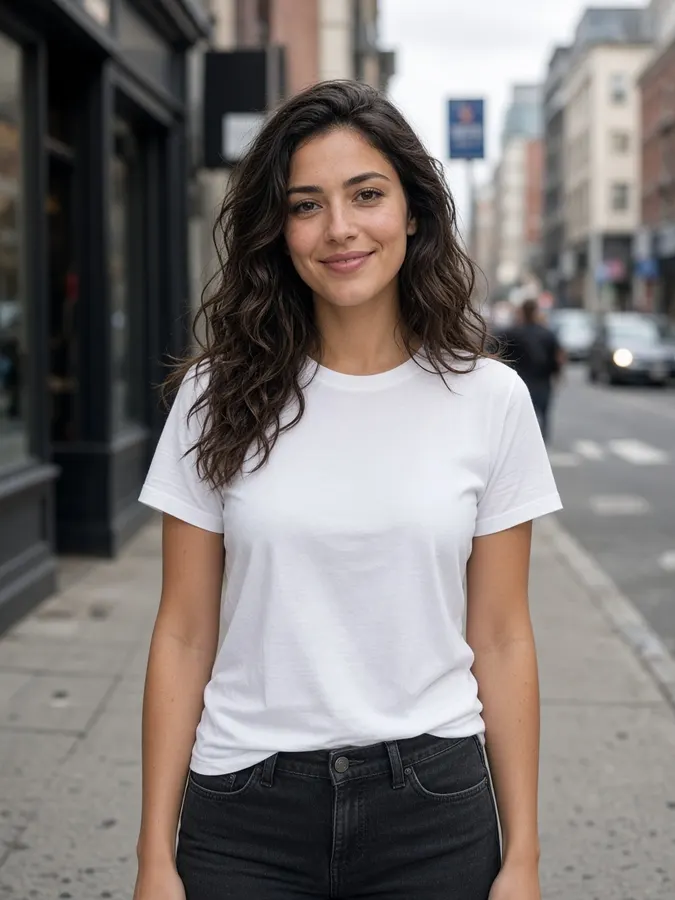 Your clip
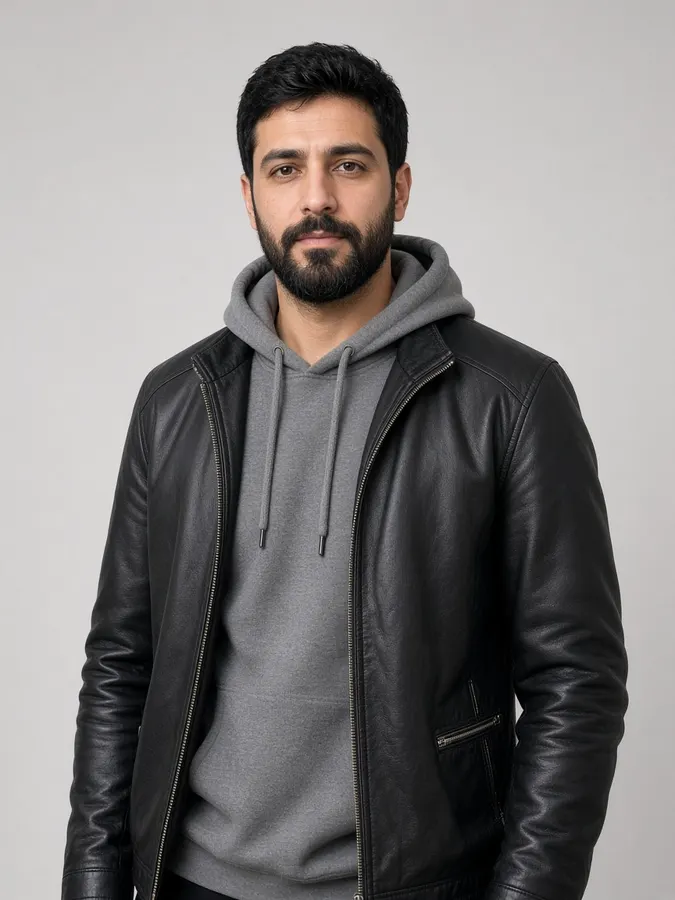 Character+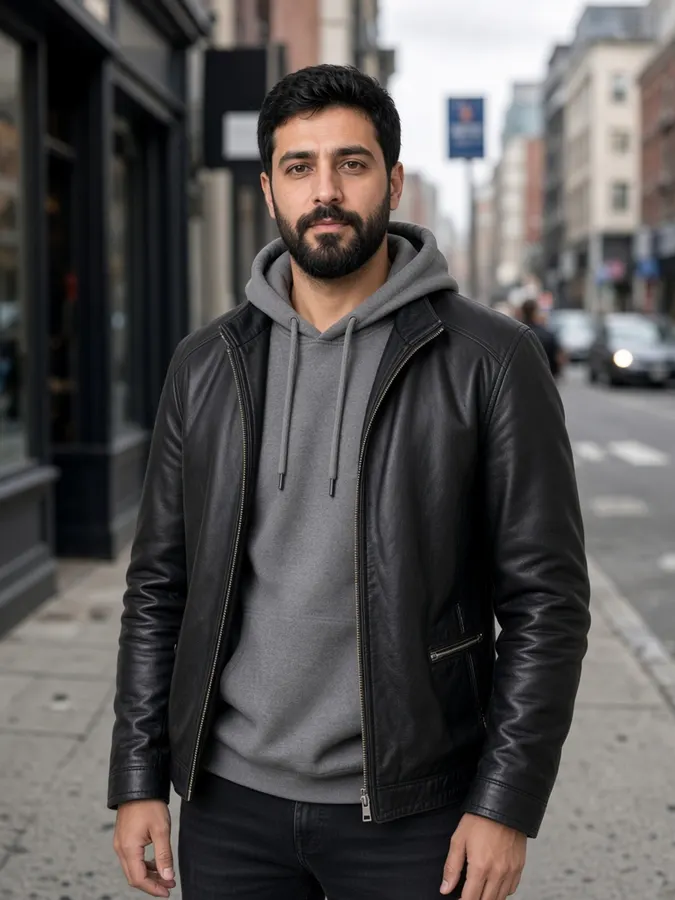
AI Character Replacement
How it works
- Step 1
Create or upload a clip
Any generated or uploaded video works as the source.
- Step 2
Open Swap Character
Upload the new character's photo in the editor.
- Step 3
Render
The new character performs the same motion in the same scene.
AI Character Replacement
Prompt ideas
Pick a prompt and it opens in the tool, ready to generate.
Pro tips
- Full-body character photos give the best results.
- Save characters in Studio so you reuse the exact same look.
AI Character Replacement
Frequently asked questions
What is AI character replacement?
It swaps the whole person in a video, including face, body and outfit, while keeping their movement and the scene.
Which character photos work best?
Full-body photos in good light with the whole outfit visible.
Can I use it for a series?
Yes. Save the character in Studio and cast them in every episode.


Ready to create?
Start free with daily credits. Upgrade when your ideas outgrow it.