
AI Video
Image to Video AI
Upload a still and describe how things should move. Hair blows, rain falls, the camera pushes in. Great for product shots, portraits and AI-generated artwork.
- Animate product photos
- Bring portraits and art to life
- Turn AI images into video scenes
Free daily credits · No card needed
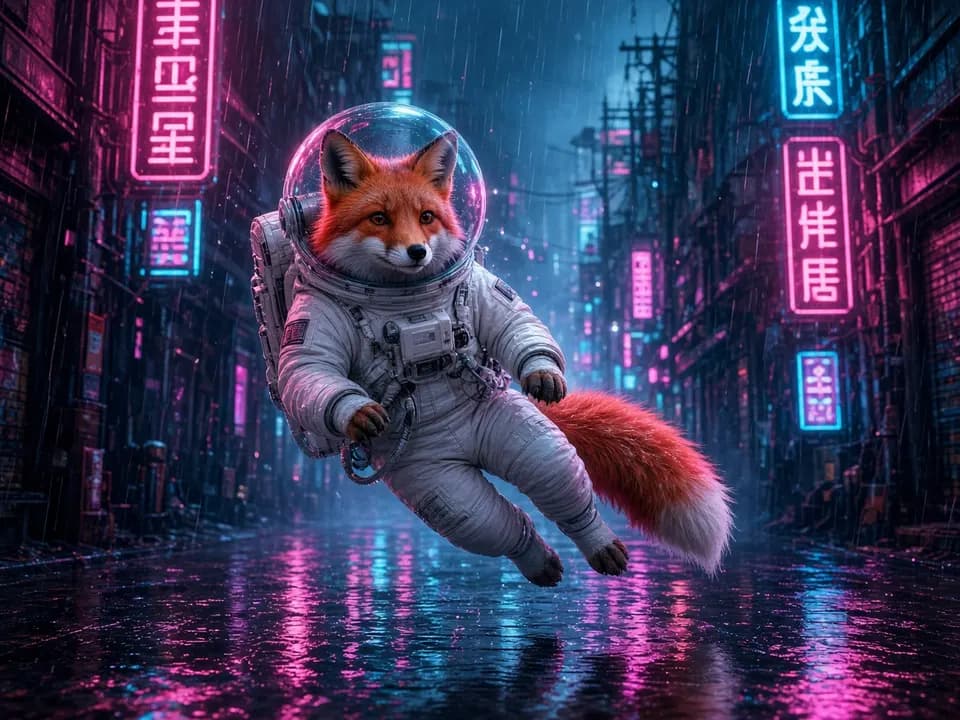
Image to Video AI
How it works
- Step 1
Upload the image
It becomes the first frame. Results from AI Image work great.
- Step 2
Describe the motion
What moves, and how the camera moves: “hair blows, slow push-in”.
- Step 3
Animate
Pick model, layout and length, then generate one or several takes.
Image to Video AI
Prompt ideas
Pick a prompt and it opens in the tool, ready to generate.
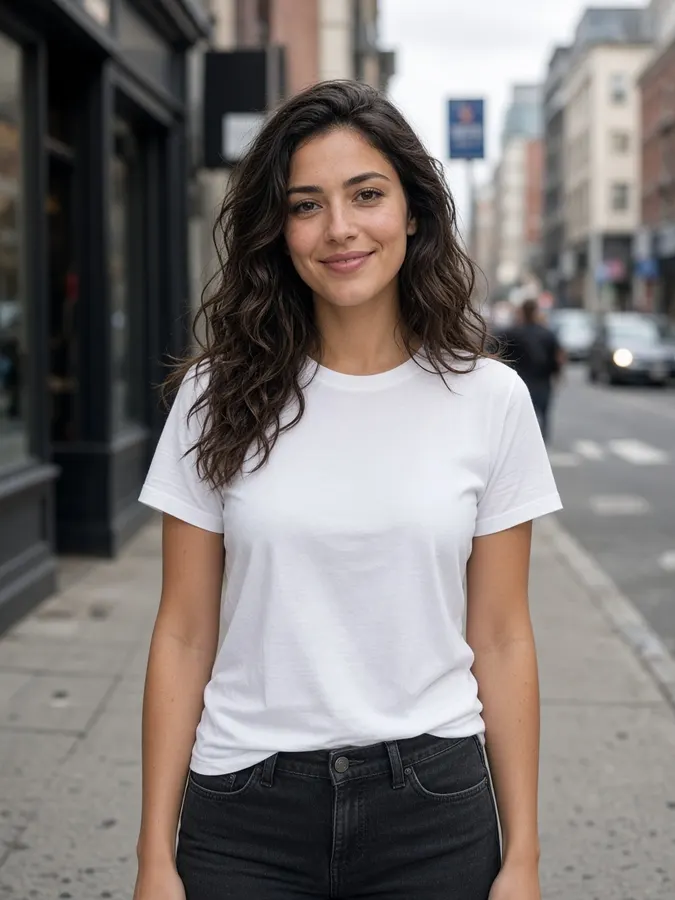
Subtle life
Gentle breeze moves hair and clothes, soft blinking, camera slowly pushes in
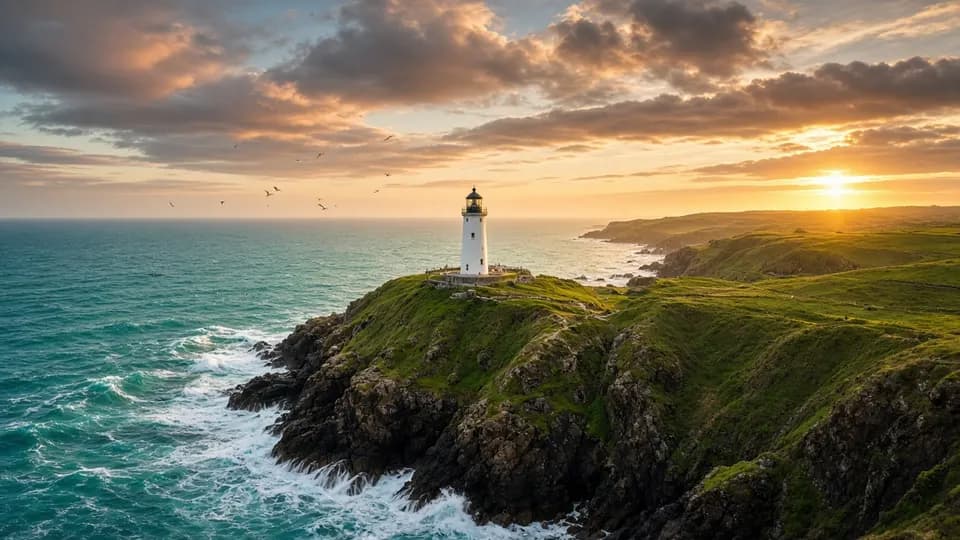
Parallax depth
Slow parallax camera move revealing depth, background drifting behind the subject
Weather in motion
Rain keeps falling, puddles ripple, neon signs flicker
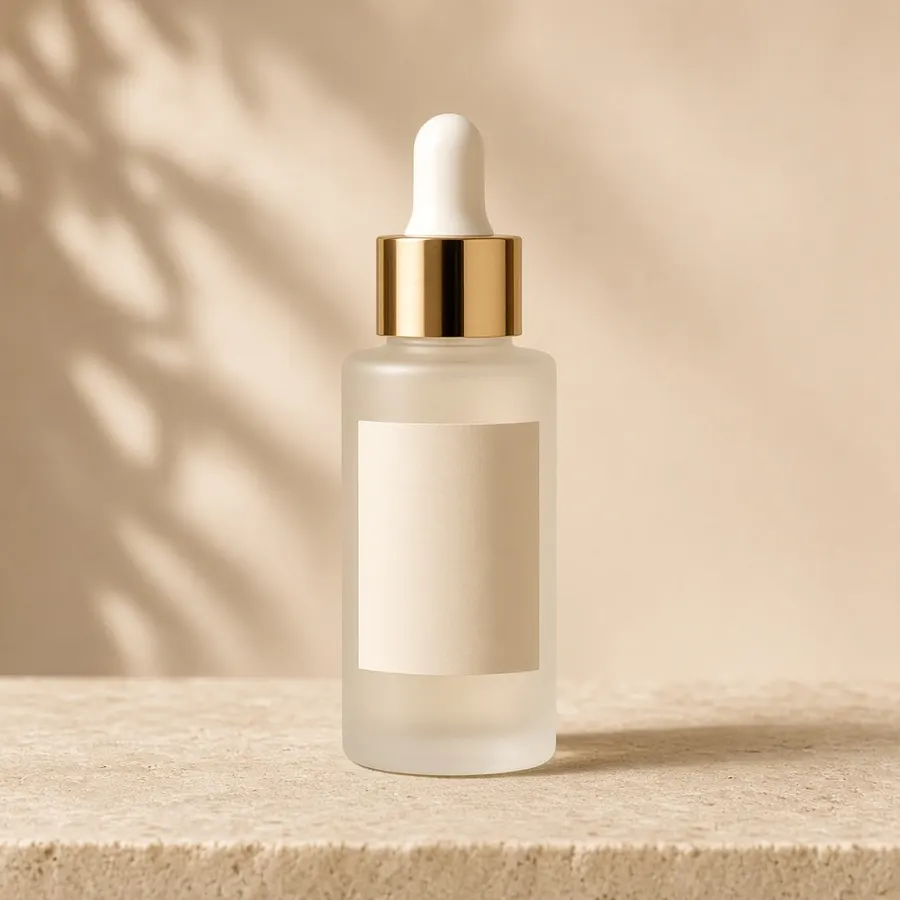
Product orbit
Camera orbits the product as light glides across its surface
Pro tips
- Small, specific motions look more real than big action.
- Use a model marked for image-to-video; the list filters automatically.
Image to Video AI
Frequently asked questions
Which images work best?
Sharp images with a clear subject. Images made with the AI Image Generator are a great starting point.
Which models support image to video?
Veo 3.1, Kling, Runway Gen 4.5, SeedDance Pro and Vidu Reference all animate images.
Can I animate a product photo?
Yes. Ask for an orbit or slow push-in and light gliding across the product for a quick ad shot.

Ready to create?
Start free with daily credits. Upgrade when your ideas outgrow it.