
AI Video
AI Video Remix
Start from any clip and describe what should change. A new take is generated next to the original, keeping the composition while the look and mood transform.
- Seasonal versions of one shot
- Anime and artistic restyles
- Day-to-night and weather changes
Free daily credits · No card needed
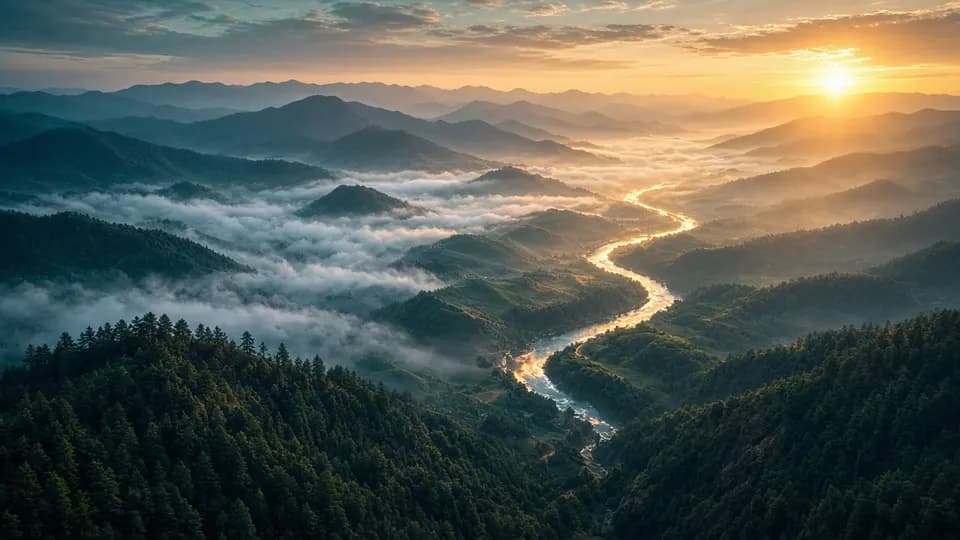

Before
0:05
Describe the change
Everything else staysApply
AI Video Remix
How it works
- Step 1
Create or upload a clip
Start from any generated or uploaded video.
- Step 2
Describe the remix
Open Remix and say what should change: style, weather, mood, action.
- Step 3
Render
A new take is generated and added next to the original.
AI Video Remix
Prompt ideas
Pick a prompt and it opens in the tool, ready to generate.

Pro tips
- Change one or two things at a time to keep the shot recognizable.
Video models included
AI Video Remix
Frequently asked questions
What can I change with a remix?
Style, season, weather, time of day, mood or the action in the shot.
Is the original kept?
Yes. Each remix is added as a new take next to the original clip.
Can I turn a video into anime?
Yes. Ask for “the same scene as a hand-painted anime film”.


Ready to create?
Start free with daily credits. Upgrade when your ideas outgrow it.