
AI Image
AI Image Variations
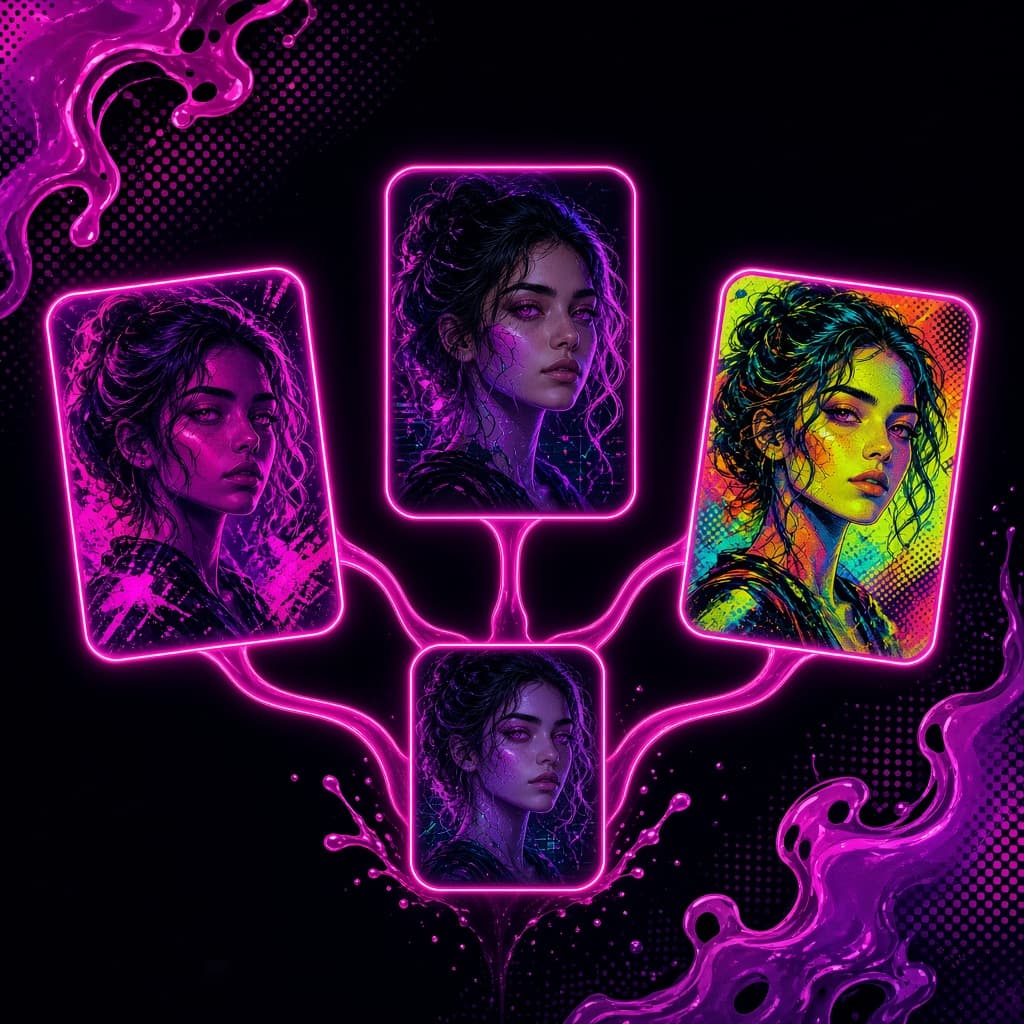
Pick a favourite image and generate a batch of new takes. Leave the prompt empty for subtle changes or nudge the look toward film, anime, neon or editorial styles.
- A/B test ad creatives
- Explore styles for a campaign
- Refresh evergreen social visuals
Free daily credits · No card needed
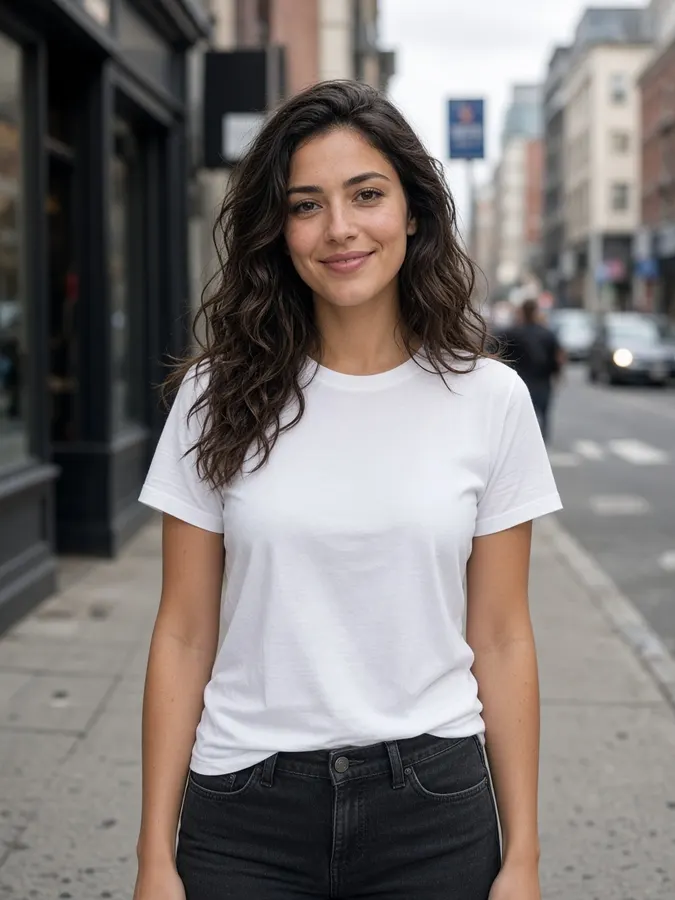 Source
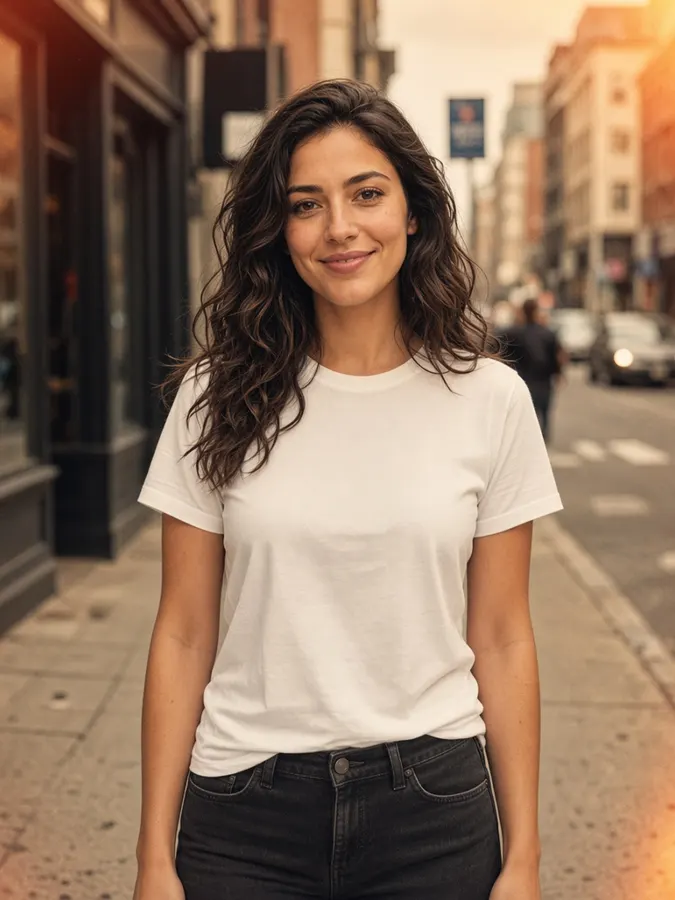 70s film
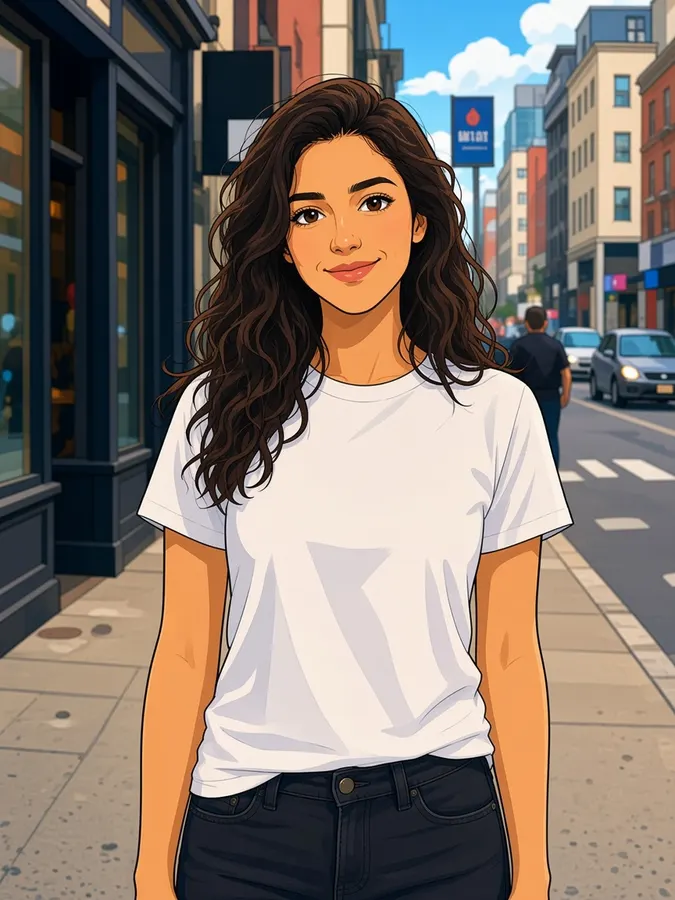 Anime
Anime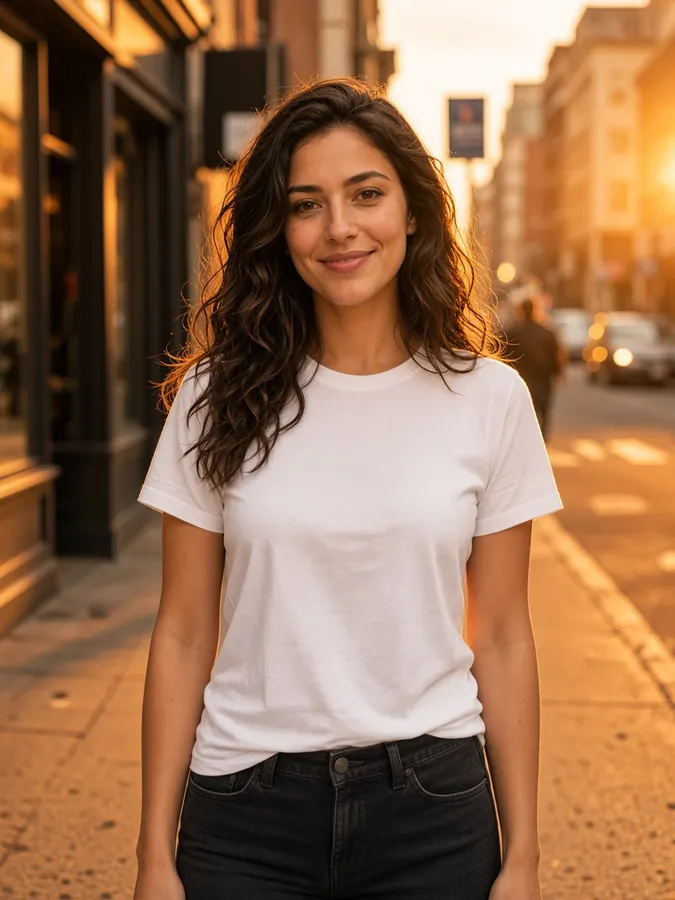 Golden hour
AI Image Variations
How it works
- Step 1
Pick a source
Upload an image or select any result on the canvas.
- Step 2
Nudge the direction
Leave the prompt empty for subtle changes, or hint a look like “watercolor”. Style presets push it further.
- Step 3
Generate a batch
Set outputs to 4–8 and compare them side by side in the generations rail.
AI Image Variations
Prompt ideas
Pick a prompt and it opens in the tool, ready to generate.
Film photo
Lean into 1970s film photography: warm faded tones, soft grain, light leak
Anime remake
Reimagine as a clean cel-shaded anime illustration with bold outlines
Neon night
Same scene at night, lit by pink and cyan neon signs
Editorial B&W
High-contrast black and white editorial magazine portrait
Pro tips
- Great for A/B testing ad creatives: same shot, several moods.
- Combine with a style preset for bigger changes.
Image models included
AI Image Variations
Frequently asked questions
What is an image variation?
A new version of your image that keeps the main subject and composition while changing style, color, lighting or small details.
How many variations can I make at once?
Up to 8 per run. Each output costs 10 credits.
Can I control the style?
Yes. Add a short hint like “1970s film photo” or pick a style preset for a bigger change.
Ready to create?
Start free with daily credits. Upgrade when your ideas outgrow it.