
AI Image
AI Image Extender
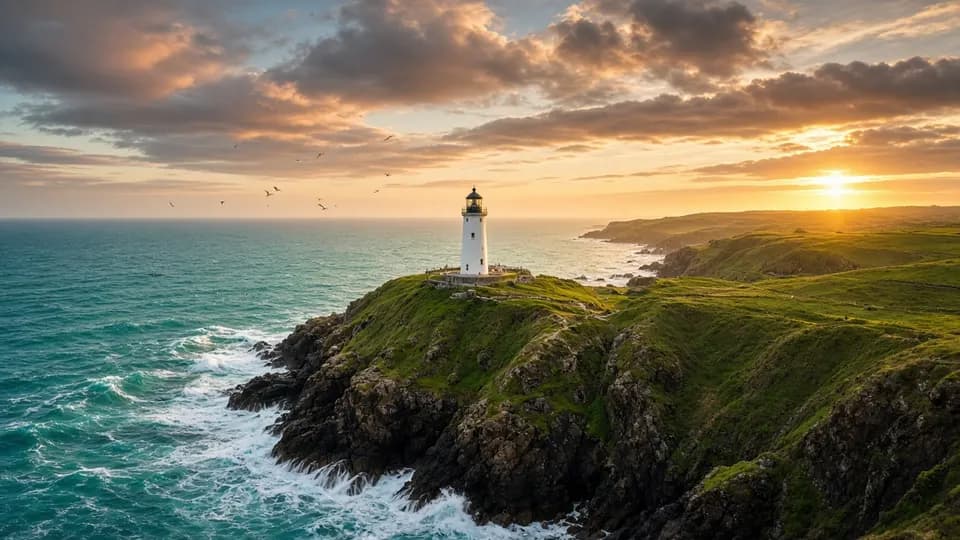
Choose the layout you need and the AI paints new scenery around your image so it fits perfectly, without cropping your subject. Add a hint to guide what fills the new space.
- Square posts into 9:16 stories
- Photos into YouTube banners
- Add empty space for headline text
Free daily credits · No card needed
AI Image Extender
How it works
- Step 1
Add your image
Upload a photo or select a canvas result.
- Step 2
Choose the target layout
Pick where it's going, such as YouTube 16:9 or Story 9:16. AI paints the new edges.
- Step 3
Guide the fill
Optionally say what belongs in the new space: “more sky and ocean”.
AI Image Extender
Prompt ideas
Pick a prompt and it opens in the tool, ready to generate.
Post → Story
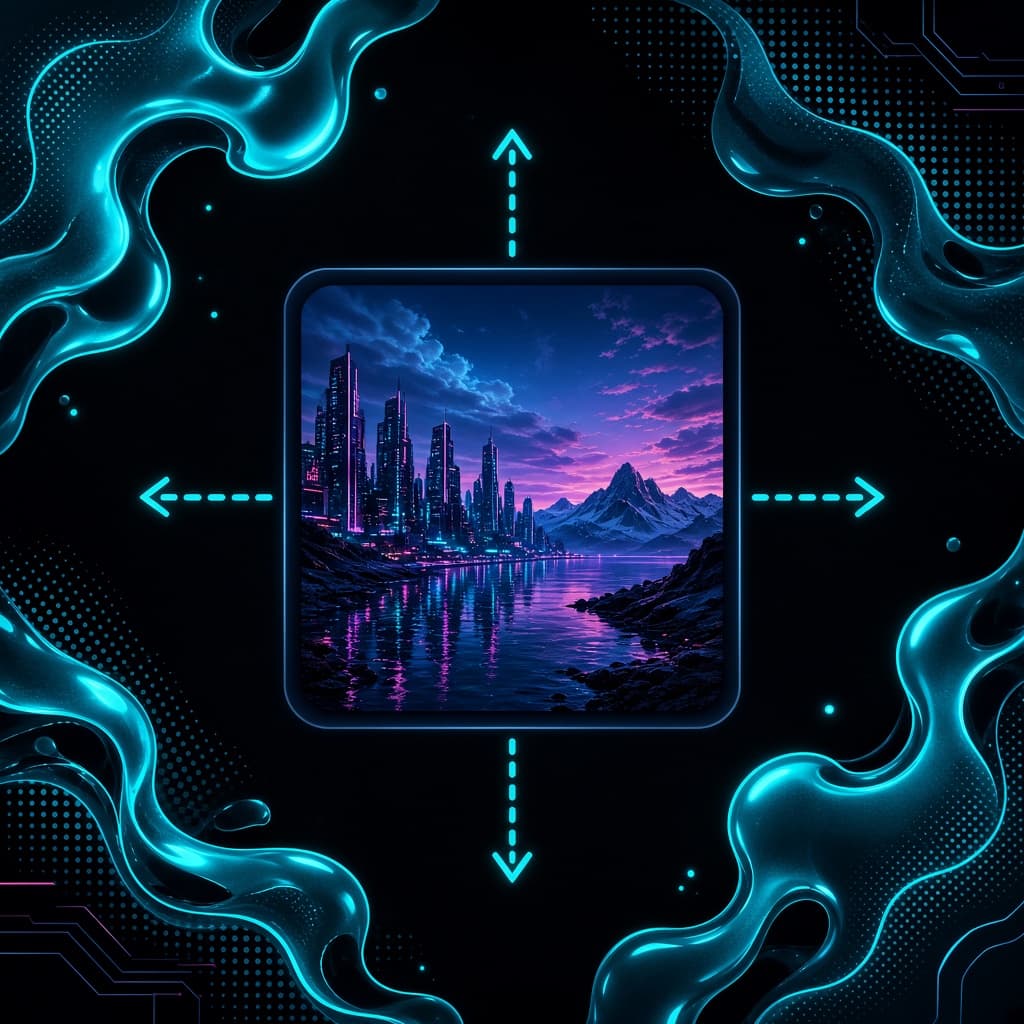
Extend up and down with more sky and foreground for a 9:16 story
YouTube banner
Widen into a 16:9 banner, continuing the landscape on both sides
Room for text
Extend the left side with clean, empty background for headline text
Pull back
Pull the camera back to reveal more of the surrounding environment
Pro tips
- Keep the subject away from the edges so the fill has room to blend.
- Expanding for text? Ask for “clean, empty space” on one side.
Image models included
AI Image Extender
Frequently asked questions
What is AI outpainting?
Outpainting extends an image past its original borders, generating new content that matches the style, light and perspective of the photo.
Which sizes can I expand to?
Any platform layout, including 16:9 YouTube, 9:16 Stories and Reels, 1:1 posts and 4:5 feed images.
Will my subject change?
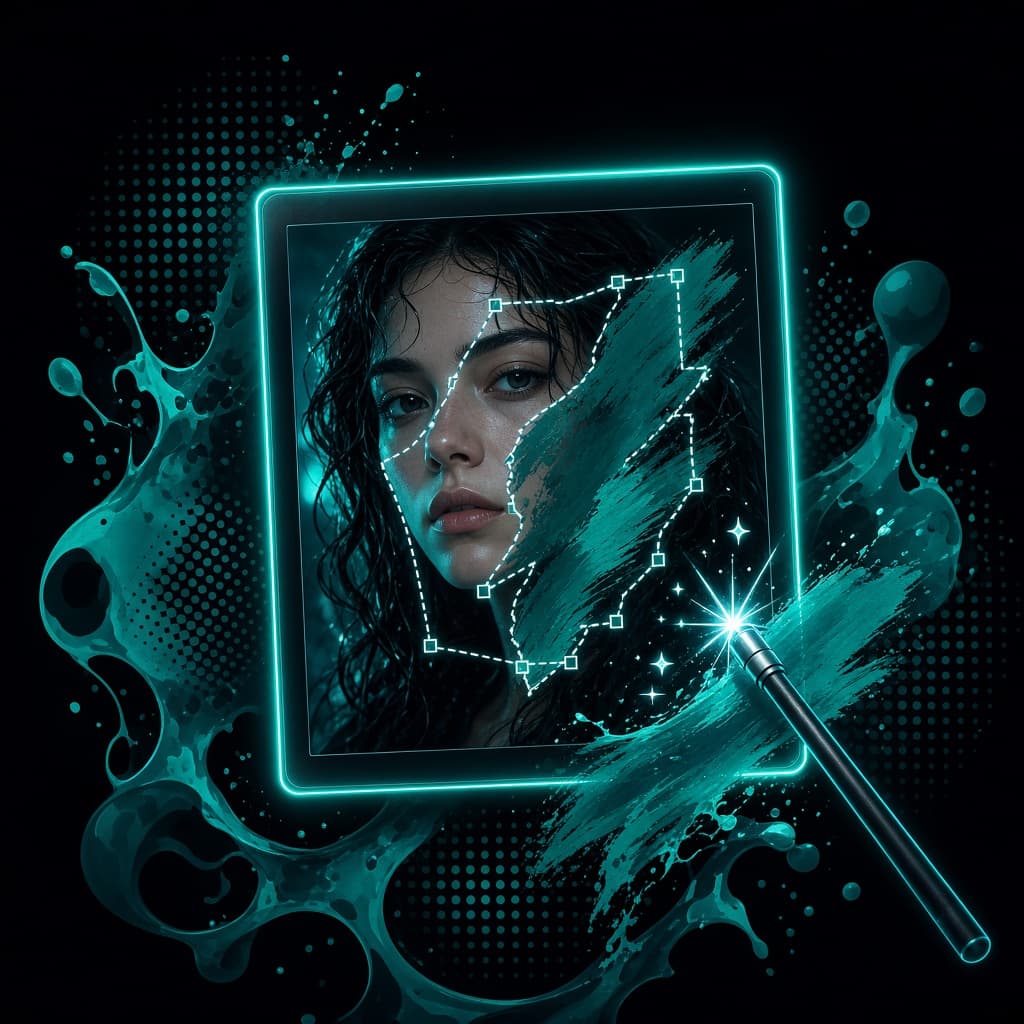
No. The original pixels stay; only the new area around them is generated.

Ready to create?
Start free with daily credits. Upgrade when your ideas outgrow it.