
AI Image
AI Background Changer
Keep your subject, pose and outfit untouched and put them anywhere: a beach at sunset, a clean studio or a marble product podium, with lighting matched to the new scene.
- Product photos on seasonal backdrops
- Profile and team photos
- Campaign visuals in any location
Free daily credits · No card needed
Edit prompt
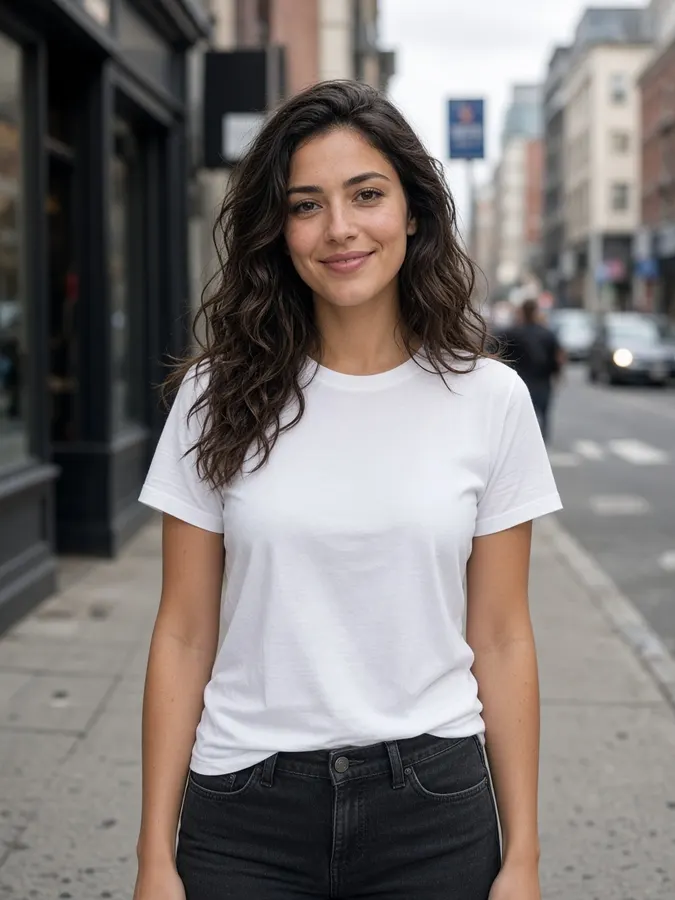

AI Background Changer
How it works
- Step 1
Add your subject
Upload a photo of a person or product, or select a canvas result.
- Step 2
Describe the backdrop
Be specific about place, time and light: “Paris café terrace at dusk”.
- Step 3
Generate
Subject, pose and outfit stay put. Lighting is matched to the new scene.
AI Background Changer
Prompt ideas
Pick a prompt and it opens in the tool, ready to generate.
Beach sunset
Tropical beach at sunset with palm trees and soft pink sky

Clean studio
Seamless light grey photo studio backdrop with a soft floor shadow
Product podium
Marble podium with a soft pastel gradient background
Cyberpunk street
Rainy neon city street at night with glowing signs
Pro tips
- Mention light direction so shadows match your subject.
- One product photo, many seasonal backdrops: perfect for campaigns.
AI Background Changer
Frequently asked questions
Does the subject stay the same?
Yes. The person or product keeps its exact shape, pose and details; only the backdrop is replaced.
Can I just remove the background?
Yes. Background removal costs 5 credits, and changing it to a new scene costs 10 credits.
Can I change the background of a video?
Yes, use the AI Video Background Changer to move a whole clip into a new environment.

Ready to create?
Start free with daily credits. Upgrade when your ideas outgrow it.