
AI Image
AI Virtual Try-On
Pick a preset model or upload a photo, add tops, bottoms, dresses, shoes and jewelry, and see the complete look rendered with realistic fit, folds and fabric sheen.
- E-commerce catalog photos
- Lookbooks and outfit ideas
- Fashion ads and social content
Free daily credits · No card needed
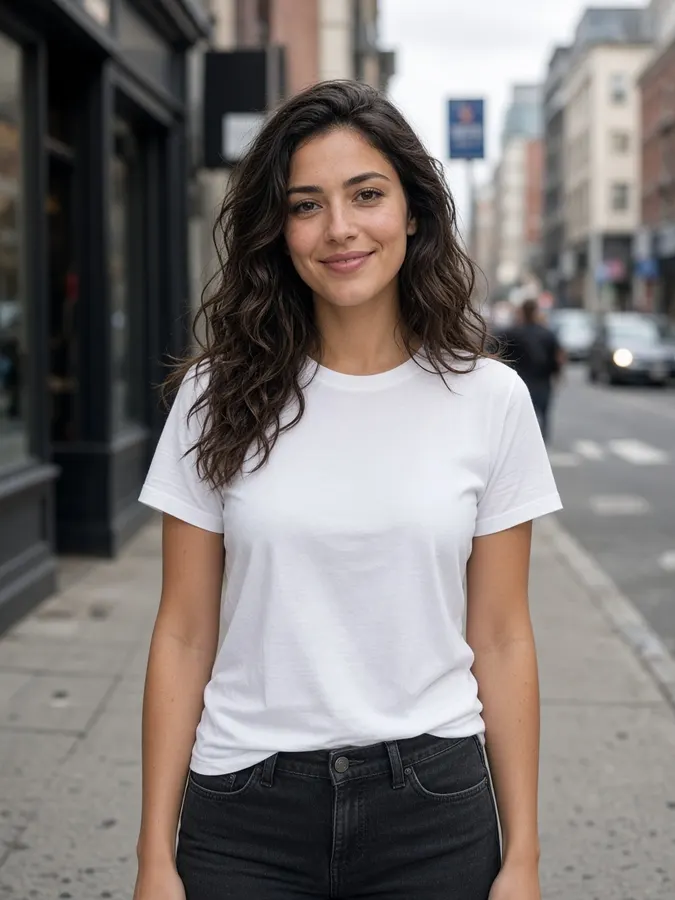 Model
Model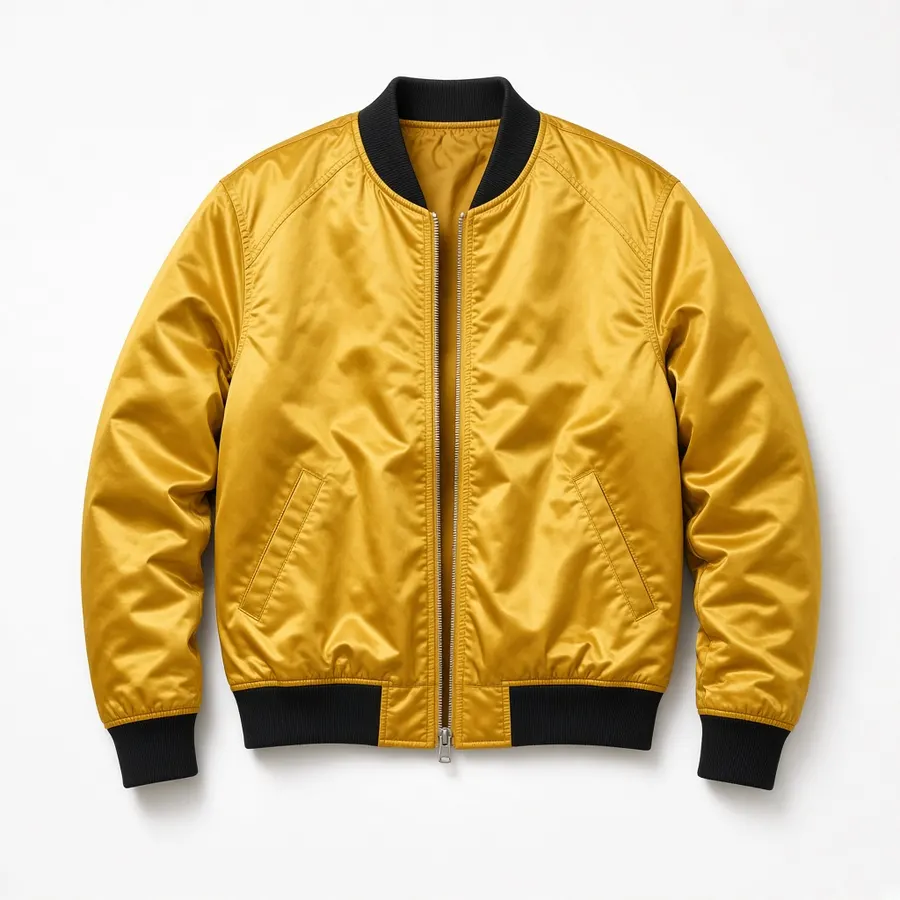 Garment+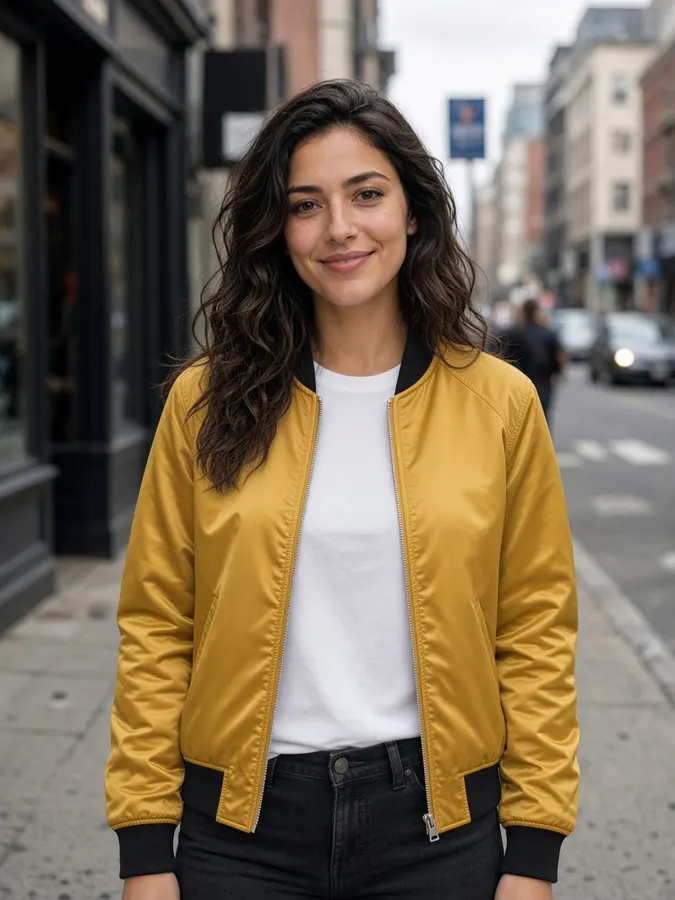
AI Virtual Try-On
How it works
- Step 1
Choose a model
Pick a preset model, use the canvas image, or upload a photo.
- Step 2
Add garments
Mix tops, bottoms, dresses, shoes, accessories and jewelry into one look.
- Step 3
Generate the look
Fit, folds and fabric sheen are rendered on the person.
AI Virtual Try-On
Prompt ideas
Pick a prompt and it opens in the tool, ready to generate.
Street style
Street-style look, jacket worn open over the t-shirt

Catalog shot
Clean e-commerce catalog shot, full outfit clearly visible
Layered fit
Layer the jacket over a hoodie with white sneakers
Evening edit
Style it for an evening event with minimal gold jewelry
Pro tips
- Flat-lay or on-hanger garment photos on plain backgrounds work best.
- Add shoes and accessories to sell a complete look.
Image models included
AI Virtual Try-On
Frequently asked questions
What garment photos work best?
Flat-lay or on-hanger photos on a plain background, with the whole item visible.
Can I combine several items?
Yes. Mix tops, bottoms, dresses, shoes, accessories and jewelry into one outfit.
How much does a try-on cost?
Each try-on costs 10 credits ($0.10).


Ready to create?
Start free with daily credits. Upgrade when your ideas outgrow it.